Showing posts with label pc. Show all posts
Showing posts with label pc. Show all posts
Wednesday, October 30, 2013
How To Update Xperia X10 mini firmware with PC companion software
Force a restart of the phone if the phone hangs and cant be restarted normally.
Update your phone. Even if you have the latest software, updating your phone can improve
software stability and solve other problems.
Resetting the phone
Resetting the phone deletes all data, including downloaded applications, and resets the
phone back to its initial state, the state before you turned on the phone for the first time.
Make sure to back up important data you have on the phone before you reset the phone.
To reset the phone
1 From the Home screen, drag upwards.
2 Find and tap Settings > SD card, USB Mass Storage & phone storage > Factory
data reset > Reset phone.
3 Enter your screen unlock pattern.
4 Tap Erase everything.
There is also a RESET button on the back side of the device (under the IMEI sticker in the lower left corner) under the battery cover
Download PC companion and install
Download Link
PC Suite is out of date use PC companion software instead
If nothing works: As last resort do a Sony Ericsson txt phone repaire with PC Suite. Use this method to hard reset AFTER INSTALLATION----> TOOLS > PHONE REPAIR


Monday, October 21, 2013
How to Get Free Angry Birds Rio for PC
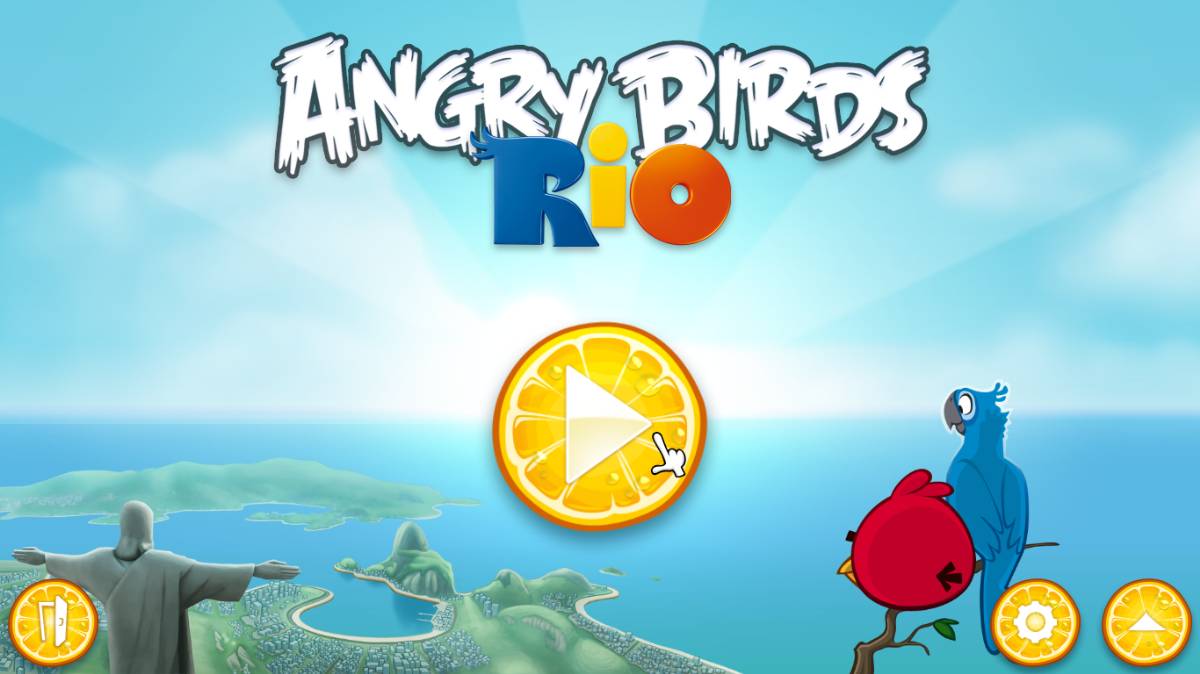
New Technology News – IT Tech | How to Get Free Angry Birds Rio for PC | I am sure all of you have already known about the game which plays bird characters. Yes, the game is Angry Birds Rio, one of the famous game apps in the smartphones. The good news is, now you can get free Angry Birds Rio for your PC. By downloading the game app free here, there is no more tired when you work with your laptop then. Just play the game Angry Bird Rio Free For PC, your tired will definitely stay away.

PC/Laptop/Notebook Specifications required to play Angry Bird Rio Free For PC
There is a computer specifications required to run Angry Bird Rio Free For PC in your computer. For a maximum performance of Angry Bird Rio Free For PC, your computer must be :
- Processor Min. 1 Ghz
- RAM Min. 256 MB
- VGA Card DirectX, OpenGL and RAM Min. 32 MB
- Hard Disk space Min. 50 MB

Well, if you can not wait to play the game Angry Bird Rio Free For PC, you can download free the game app via this link >> http://www.megaupload.com/?d=E17Q9A6H
Tags: angry birds, angry birds rio, angry birds rio for pc, free angry birds rio for pc, angry birds rio free for pc, angry birds revenue, angry birds 2-20, angry birds windows phone 7, angry birds high scores, angry birds rio pineapple, angry birds rio awards
Subscribe to:
Posts (Atom)